Remove unwanted objects
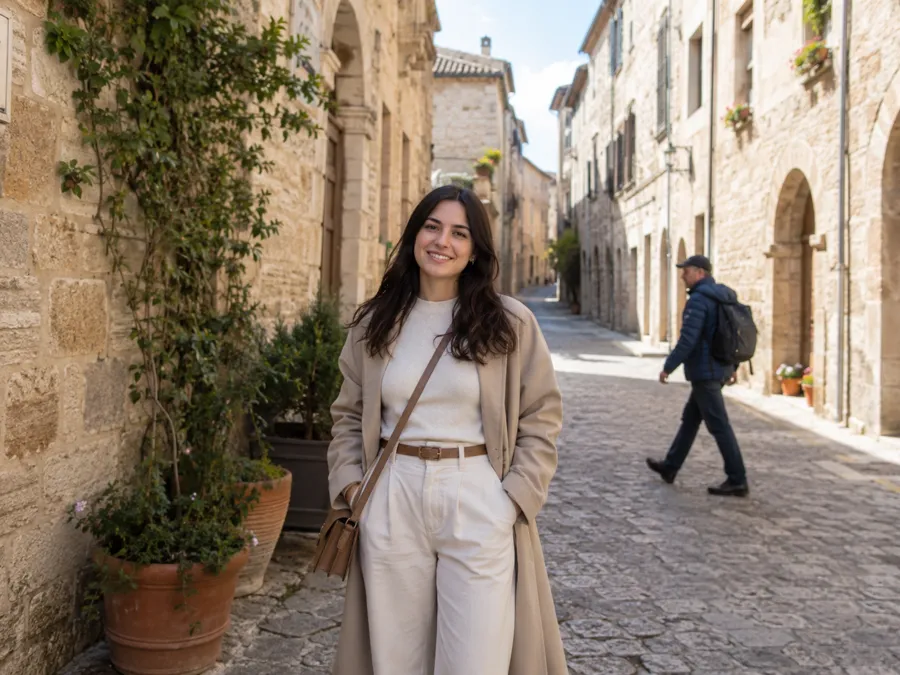 Before
 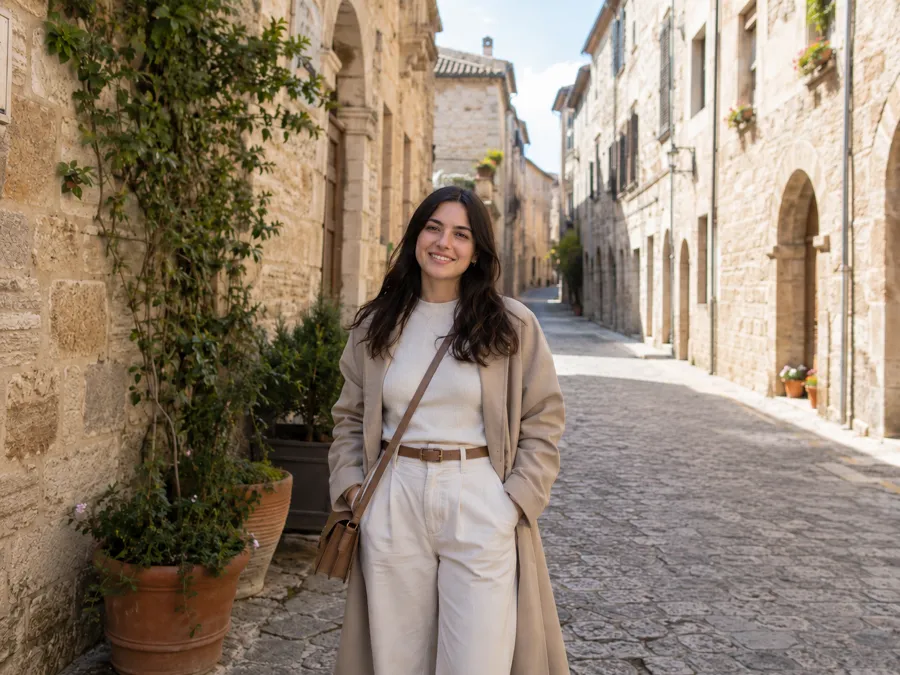 After
After Remove the person crossing in the background. Reconstruct the missing wall and floor so the texture, lighting, and perspective stay consistent. Keep the main subject unchanged.ChatGPT photo-editing prompt library
Copy and use practical ChatGPT prompts for real photo editing tasks. Remove objects, change backgrounds, retouch portraits, and improve product photos.
Real editing examples
Example edits made with these prompts. Results vary with your source image and model.
Before After Remove the person crossing in the background. Reconstruct the missing wall and floor so the texture, lighting, and perspective stay consistent. Keep the main subject unchanged.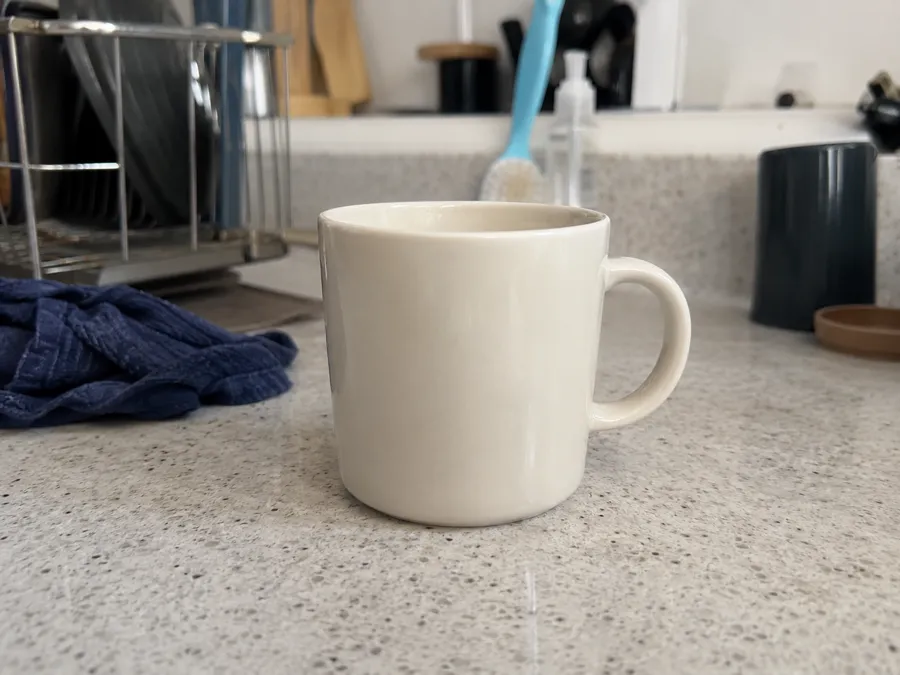 Before
 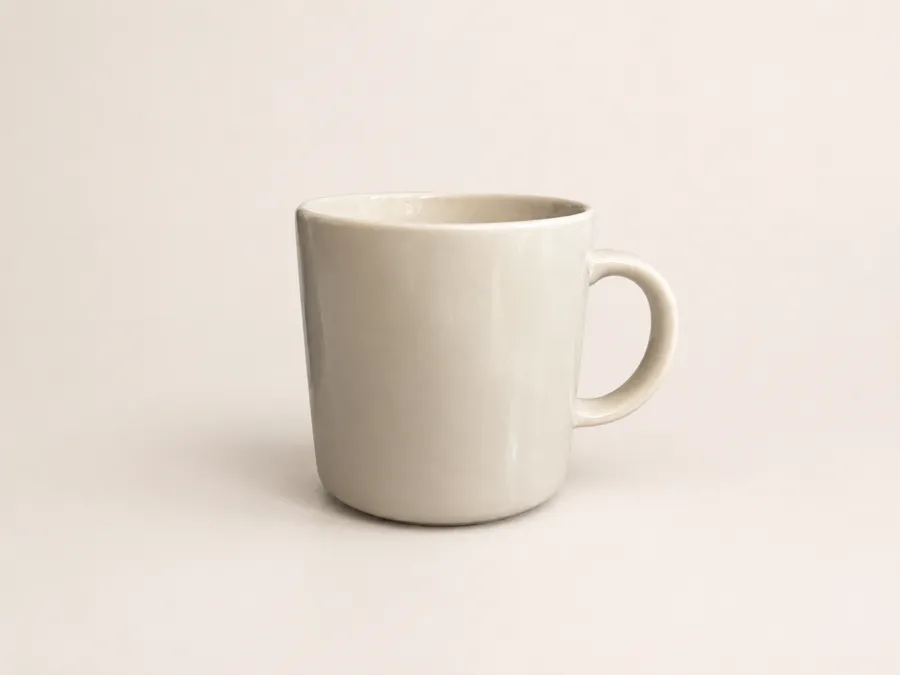 After
After Replace the background with a clean warm-white studio sweep. Keep the subject’s edges sharp, preserve natural shadows on the ground, and do not alter the subject’s colors or proportions.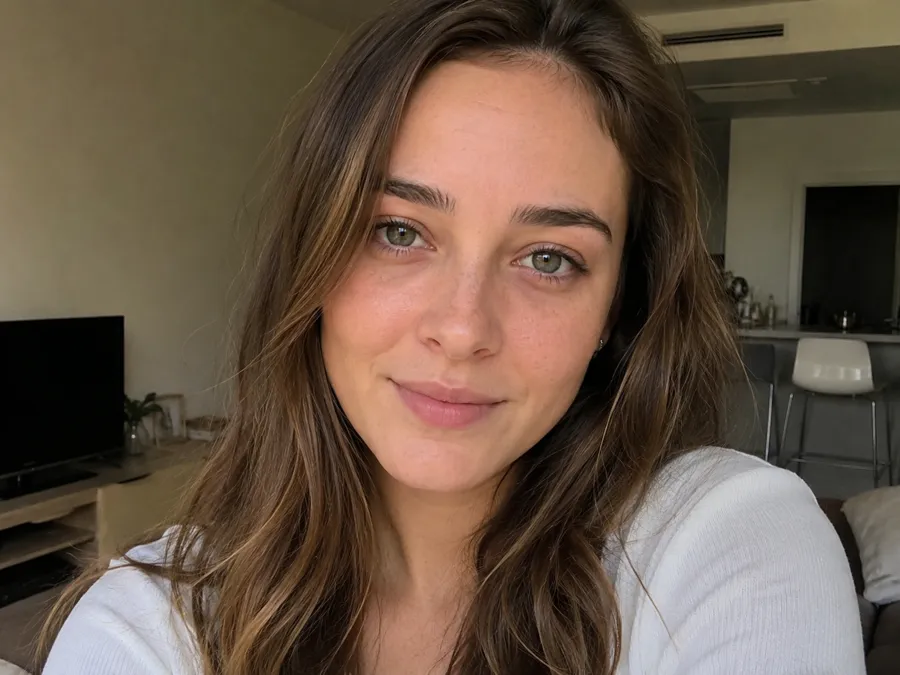 Before
 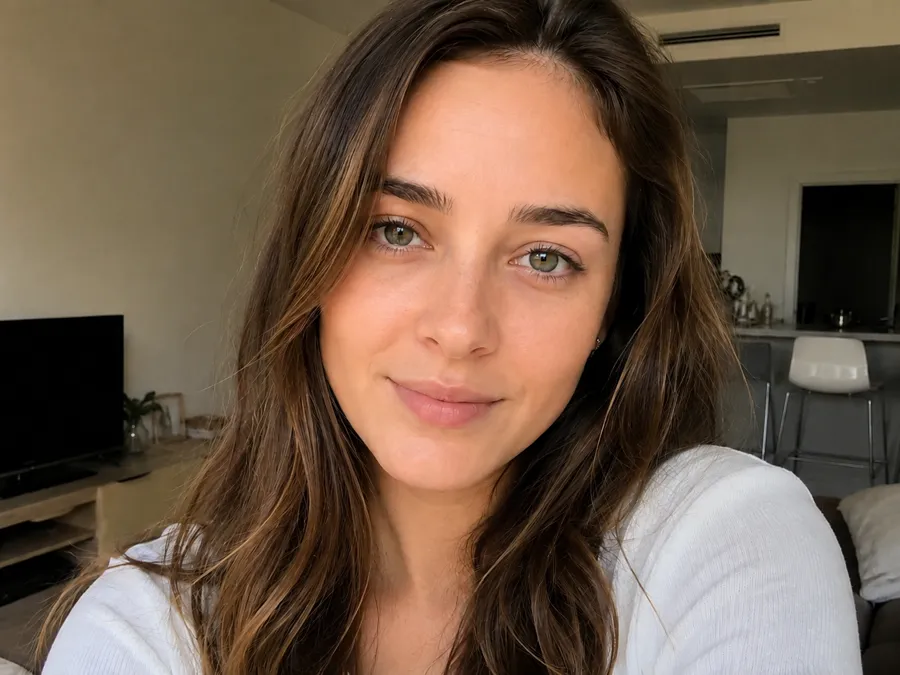 After
After Soften skin and even out tone while preserving pores and natural texture. Brighten the eyes slightly, reduce shadows under them, and keep the face recognizable and unchanged in identity.Start here
Each focused page includes eight short and detailed prompt pairs, constraints, and fixes for common failures.
Copy prompts that isolate a subject, remove a distracting background, or replace it while preserving edges, lighting, and proportions.
Remove distracting people, wires, clutter, or small defects while asking ChatGPT to reconstruct the hidden background consistently.
Retouch portraits with explicit constraints for identity, skin texture, hair, lighting, and expression instead of asking to “make it better.”
Clean, relight, and stage product photographs while protecting product geometry, label text, materials, and brand colors.
Copy prompts that place you beside two life-size 3D cartoon friends while keeping your face, proportions, and lighting believable.
How it works
Three steps from an editing goal to a result you can check.
Select the task you want to complete.
Use a short or detailed version.
Adjust the prompt based on the output.
Prompt library
Remove the tourists in the background and reconstruct the missing scene so the texture and lighting stay consistent.Erase the power line and watermark, then rebuild the sky and surface behind them without changing the subject.Turn this photo into a clean professional headshot with neutral lighting and a plain background, keeping the face natural and recognizable.Place this product on a seamless white background with soft, even studio lighting and a subtle reflection, preserving label text and colors.Restore this old photo: reduce scratches and grain, fix faded contrast, and rebuild damaged areas while keeping the original faces unchanged.Enhance this photo for social media: brighten, add gentle warmth and subtle sharpening, and keep the subject looking natural, not over-edited.Upload the source image, paste a prompt, replace any bracketed details, and describe what must remain unchanged. Review the output closely and make the next request smaller if too much changed.